
 At best, this will just annoy me. At worst, I'll lose my unsaved Great American Novel in the background because Windows will force a restart when I keep typing. Also, this particular dialog box abuses the AlwaysOnTop property, which makes me want to kick the programmer in the teeth.


About Me
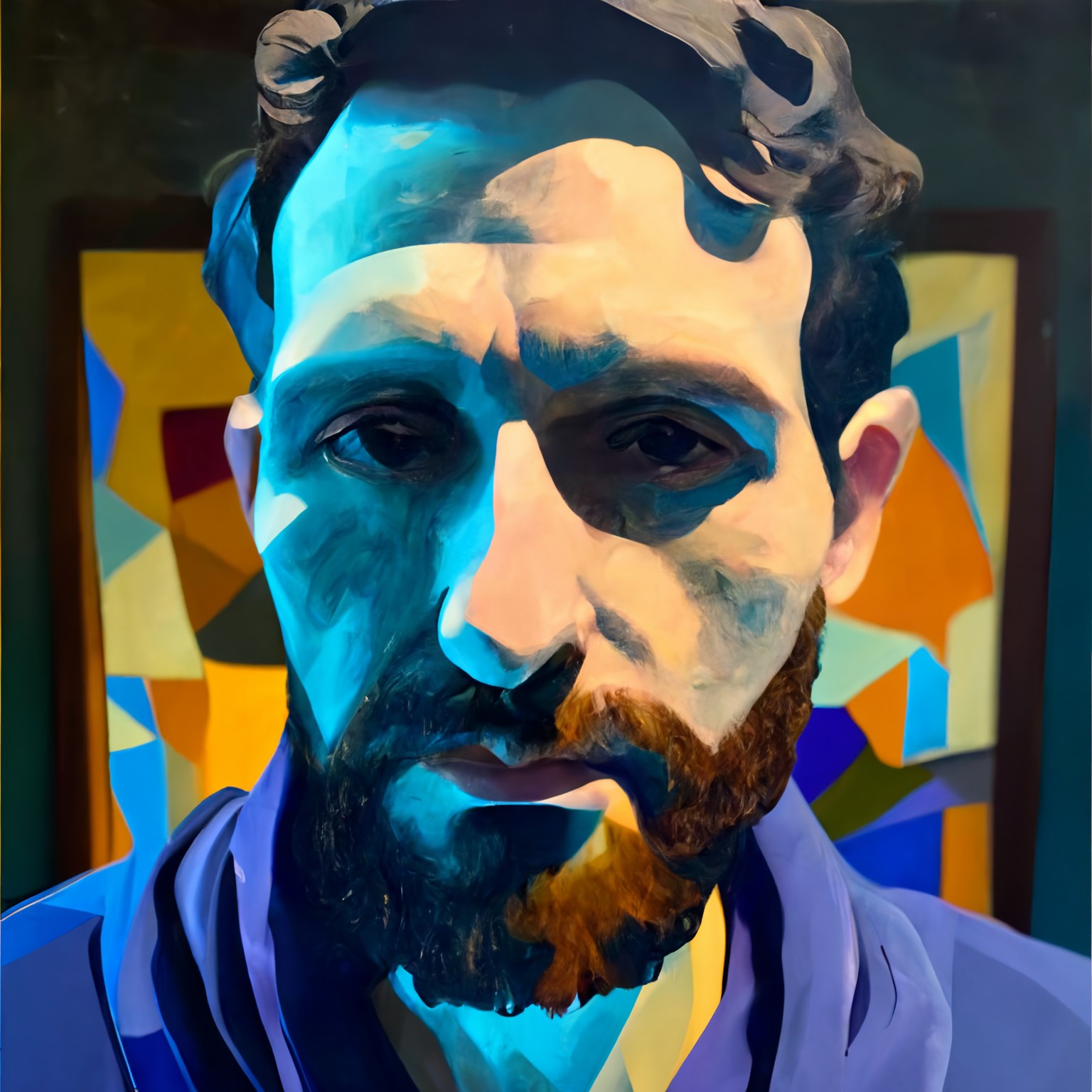
Hope you're not expecting one of those cryptic, nonsensical descriptions. Not my style.
I'm Sparks, a happy little lighting designer and (at one time) sound engineer and pyrotechnician. I don't do those jobs much anymore. For my Real Life Job, I'm a concert lighting designer. Sometimes I go on tour with some folks and do their lights, other times I design and let someone else run the show.
I've had a variety of interesting jobs - from hospital IT guy to technical director of a corrupt megachurch in Des Moines, Iowa, where I grew up. I adore live sound and concert lighting, and I never pass up an opportunity to geek out about my line of work. Generally, if it has faders, buttons, LEDs, or is a large and potentially dangerous machine, I like it. I also love children, fireworks, blueberry muffins, reading, messing around with smart home tech and goofing off. I've played the piano since I was too short to reach the pedals, and I'm learning to play the violin. I used to volunteer at a large children's hospital, but then I moved, then I moved again, and now I'd like to do it again where I live. I'm a skeptic who has no practical use for the supernatural or pseudoscientific. I'm a card-carrying member of the International I Hate Sports Club. I keep my laptop screen really, really clean, and if you touch it, I'll kill maim strongly scold you. I believe strongly in human rights and have a strongly deontological bent when it comes to my ethical outlook, and those positions strongly influence my political outlook.
When I'm not on the road, I live in Minnesota. I'd prefer not to be "on the road" anymore.
I'm easy to get along with, so tell me about yourself! If you read anything I've written (and there isn't much) and have a comment, please leave one - I love getting feedback about the stuff I write.
-----BEGIN GEEK CODE BLOCK----- Version: 3.12 GMU/PA/O d-(++) s: a C++++(++)$ UB(++++) P L+ !E W+++ !N o? K? w+++++ O-- M++ V? PS++ PE-(--) Y++(+) PGP++ t+++(+) 5 X+ R(*) tv b+++>++++ DI++ D G e>+++++ h---(*) r+++ y++++ ------END GEEK CODE BLOCK------